


From media coverage to boardroom insight, in minutes
The board wants to know why sentiment dipped last quarter. The CEO needs to understand how a competitor is winning the narrative before tomorrow’s interview. An issue is building on social and you need to know if it will escalate. And answering each one means hours of digging through coverage before your team can say anything with confidence.
In-depth analysis like this eats hours, and every analyst does it a little differently. This month’s share of voice chart doesn’t match last month’s, so leadership can’t compare like with like.
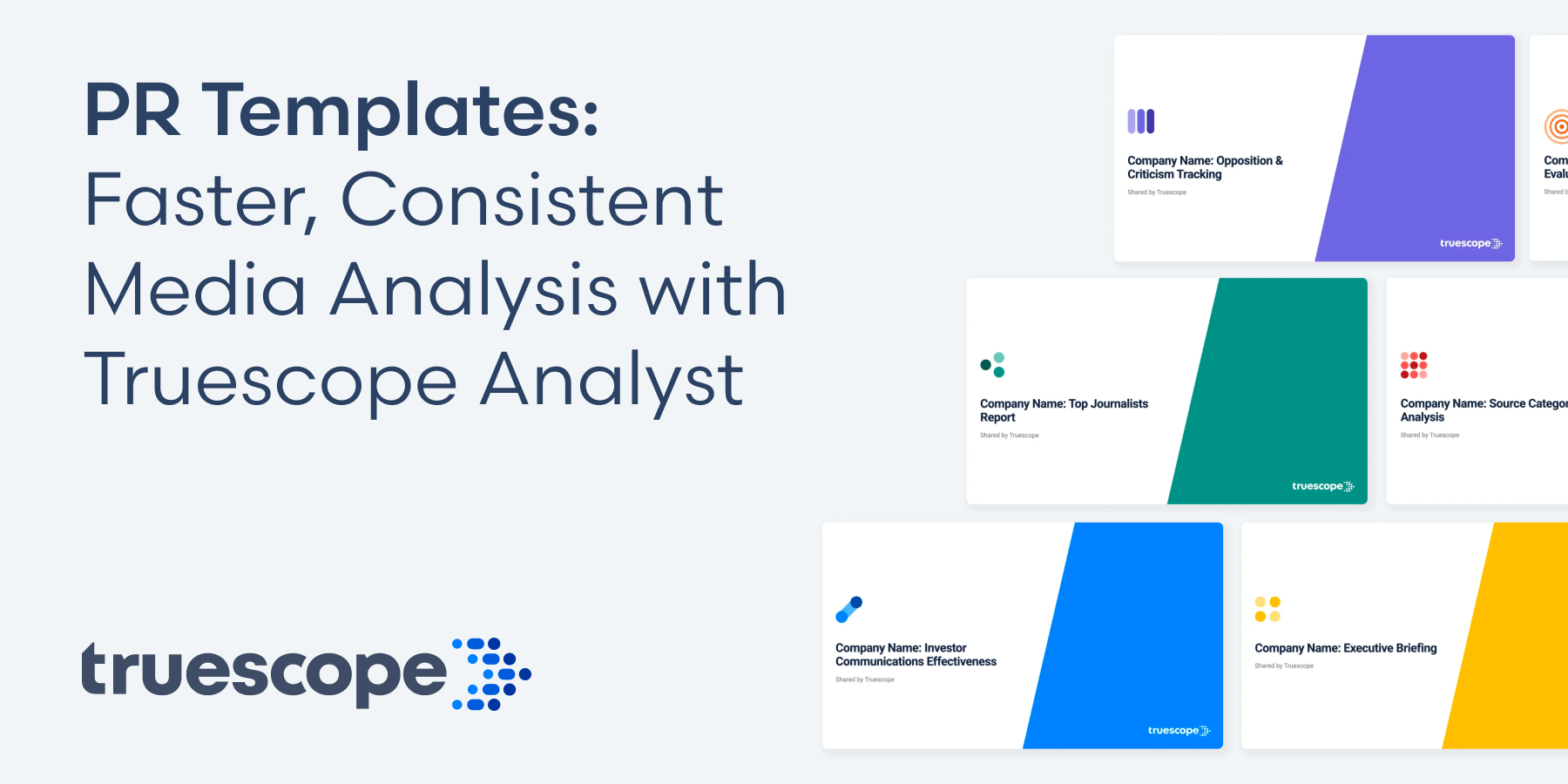
Truescope Analyst changes that. Analyst is your AI media analyst, a team mate who works alongside Truescope Assistant inside the Truescope platform. Give Analyst a question about your coverage and it comes back with an in-depth, structured analysis with charts, tables and plain-English findings that explain what is happening and why. Analyst templates are the briefs you hand them: tried-and-tested instructions for the analysis comms teams need every week, delivered with one click.
A library of use case templates, ready to go
Analyst comes with a library of more than 70+ templates designed for PR and communications professionals. There’s nothing to set up and no prompt writing to learn. Type / in Analyst, choose the report you need, and it’s done. Whether it’s a morning briefing, a quarterly review or a crisis response check, there’s a template ready to go.
Templates are grouped by the work comms teams actually do:
The library also covers ESG and sustainability, social media and government use cases. Explore the template library.
Expert analysis, without the expert hours
AI is only as good as the question you ask it. Most people type a one-line question and get a one-off answer. Truescope templates are detailed, structured prompts built on communications best practice, so your team gets analyst-grade output without needing to be a prompt expert.
- Best practice built in. Each template follows how experienced comms analysts approach the task. The Crisis Response Effectiveness template compares coverage before, during and after your response, so you know whether your statement shifted the story or it simply moved on.
- Detailed and structured. Templates set out the exact sections, metrics and charts to return. A Monthly Report always opens with an executive summary, then headline numbers against last month, then the stories behind every spike.
- Repeatable, every time. Because the format is fixed, this month’s report looks like last month’s. Leadership can compare periods at a glance, and anyone on your team can produce the same standard of work.
The result: less time building reports, more time advising on what they mean.
Go beyond volume: analyse narratives, themes and public opinion
Traditional media monitoring tells you how much was said. Analyst tells you what is being said, how people feel about it and where it’s heading. That’s the difference between reporting on coverage and getting ahead of it.
- Understand public opinion from comments. Ask Analyst to analyse the comments on news and social coverage. You’ll see how the public is reacting, what they agree or disagree with, and the language they use. That is often a different picture from the coverage itself.
- Find the dominant narratives. The Narrative Analysis template sets your intended messages aside and shows what the market is actually saying about you, grouped into clear narrative clusters with sentiment and reach.
- Spot emerging issues early. Emerging Themes Detection separates topics that are entering the conversation from one-day flashes. The Early Warning Scan flags faint signals before they become headlines.
- Follow a story over time. Story Arc Tracking maps how a single story develops, from first report to latest development, and where it is likely to go next.
- Check your messages landed. Key Message Tracking measures whether coverage carried the messages you set out to land, and in whose words.
Together, these give you an early read on reputation risks and opportunities, so you can act before an issue takes hold, not after.
Make every report look like it came from your team
Truescope templates work for any organisation straight away. Want them to feel like your own? Duplicate any template and tailor it. The original stays untouched, and your version is shared with everyone in your workspace, so the whole team reports the same way.
Popular customisations include:
- Add your own instructions. Set the tone and audience, for example “write at board level, in plain English” or “frame findings for a CMO”.
- Apply your brand colours. Add hex codes for your brand and competitors so every chart looks like it belongs in your organisation’s reports.
- Choose your favourite charts. Ask for the visuals your stakeholders know, such as a sentiment breakdown table after the volume chart, or a share of voice bar chart every time.
- Lock in your structure. Define the sections you want, such as “always lead with a three-bullet executive summary” or “finish with three things to watch next week”.
- Pin your competitor set. List your competitors by name so Analyst always benchmarks against the same group.
- Name your spokespeople, products and campaigns. Analyst will always check for them and can flag direct quotes separately.
- Set escalation rules. For crisis templates, add thresholds, such as flagging when negative sentiment passes 30% of mentions in a 24-hour window.
You manage templates in Workspace Settings → Analyst Templates, where you can browse by category, search, duplicate and edit.
Start from scratch and save your own template
Already have a report format your stakeholders love? Turn it into a template. Click + on the Analyst Templates screen and add:
- Name – what your team will see in the template list.
- Category – pick an existing one or create your own.
- Description – a short line shown when someone types /.
- Prompt instructions – the sections, metrics, charts and format you want returned. The more specific, the more consistent the output.
Save it, and it’s instantly available to your whole workspace through the / command. Your best report becomes a one-click routine, not something rebuilt from scratch every month.
Select the right data for reliable results
Great analysis starts with the right coverage. Truescope gives you two ways to choose it, depending on the question you’re asking.
Use a saved query for consistency. For regular reporting, run your template against a saved query. That way Analyst uses exactly the same boolean search every time, so results are comparable month to month and between team members. You can even name the query in your template’s instructions, for example “always run this analysis using the ‘Brand – Core’ query”, so nobody has to remember to select it.
Use All Data for questions outside your usual monitoring. Sometimes you need to look beyond your monitoring brief. A key supplier is caught up in an issue, a new competitor enters the market, or the CEO asks about a topic you don’t track. Select All Data to analyse coverage across Truescope’s full content, not just your inbox, without changing your monitoring setup.
Set your defaults in the template. Add a default time period, media types and geography to your prompt instructions, such as “default to the last 30 days” or “include print, online and broadcast; exclude social unless requested”.
Set it and forget it: automated reports on Max
On the Truescope Max plan, Analyst templates can run on an automated schedule. Add a template to a report, set when it runs, and your analysis arrives on time without anyone lifting a finger.
Imagine a Daily Briefing waiting in leadership’s inbox at 7am, a Weekly Summary landing every Monday to set the team’s agenda, and a Monthly Report ready for the board on the first business day of the month. Because the template and query stay the same, every edition follows the same format and uses the same data, so trends jump out. Your team gets its time back for strategy.
Tips for getting the most from Analyst templates
- Start with a Truescope template. Run it as-is first, then duplicate and tweak what you’d change.
- Be prescriptive. Templates work best when the instructions clearly define sections, metrics and format.
- Show an example. Include a sample of the phrasing you want, such as “Coverage was driven by X, with Y as a secondary theme.”
- Iterate. Run a new template a few times and refine the instructions based on the output.
- Write for the whole team. Custom templates are shared across your workspace, so keep them useful for everyone, not one person’s preferences.
- Name templates clearly. A clear name and category make the right template easy to find when someone types /.
- Take care when deleting. Deleting a custom template removes it for everyone in the workspace.
Frequently asked questions
What is an Analyst template? A pre-written, structured prompt that tells Truescope Analyst exactly how to analyse your media coverage and what to return, from sections and metrics to charts.
How many templates are there? More than 70+, covering standard reports, brand performance, competitive intelligence, crisis and issues, journalists and influencers, narrative tracking and more.
Can I edit a Truescope template? Yes. Duplicate it and edit the copy. The original stays unchanged, and your version is shared with your workspace.
Can I create my own template? Yes. Click + in Workspace Settings → Analyst Templates, add your instructions and save.
Can templates run automatically? Yes, on the Max plan. Add a template to a report and set it on a schedule.
Can Analyst tell me what the public thinks? Yes. Ask Analyst to analyse comments on coverage to understand public sentiment, or use the narrative and emerging themes templates to see what is driving the conversation.
Should I use a query or All Data? Use a saved query for regular reporting so the same boolean is applied every time. Use All Data when you need to look at something outside your usual monitoring, such as a supplier issue.
Get started
Already a Truescope customer? Open Analyst, type /, and pick a template. Your next report could be done before your coffee goes cold.
New to Truescope? Analyst templates are just one part of a media intelligence platform that monitors news, broadcast and social coverage and turns it into insight your leadership can act on. Book a demo to see Analyst templates running on your own brand’s coverage, or explore the template library to see what’s possible.
See how you can get more signals and insights from your media intelligence platform




See how you can get more signals and insights from your media intelligence platform


